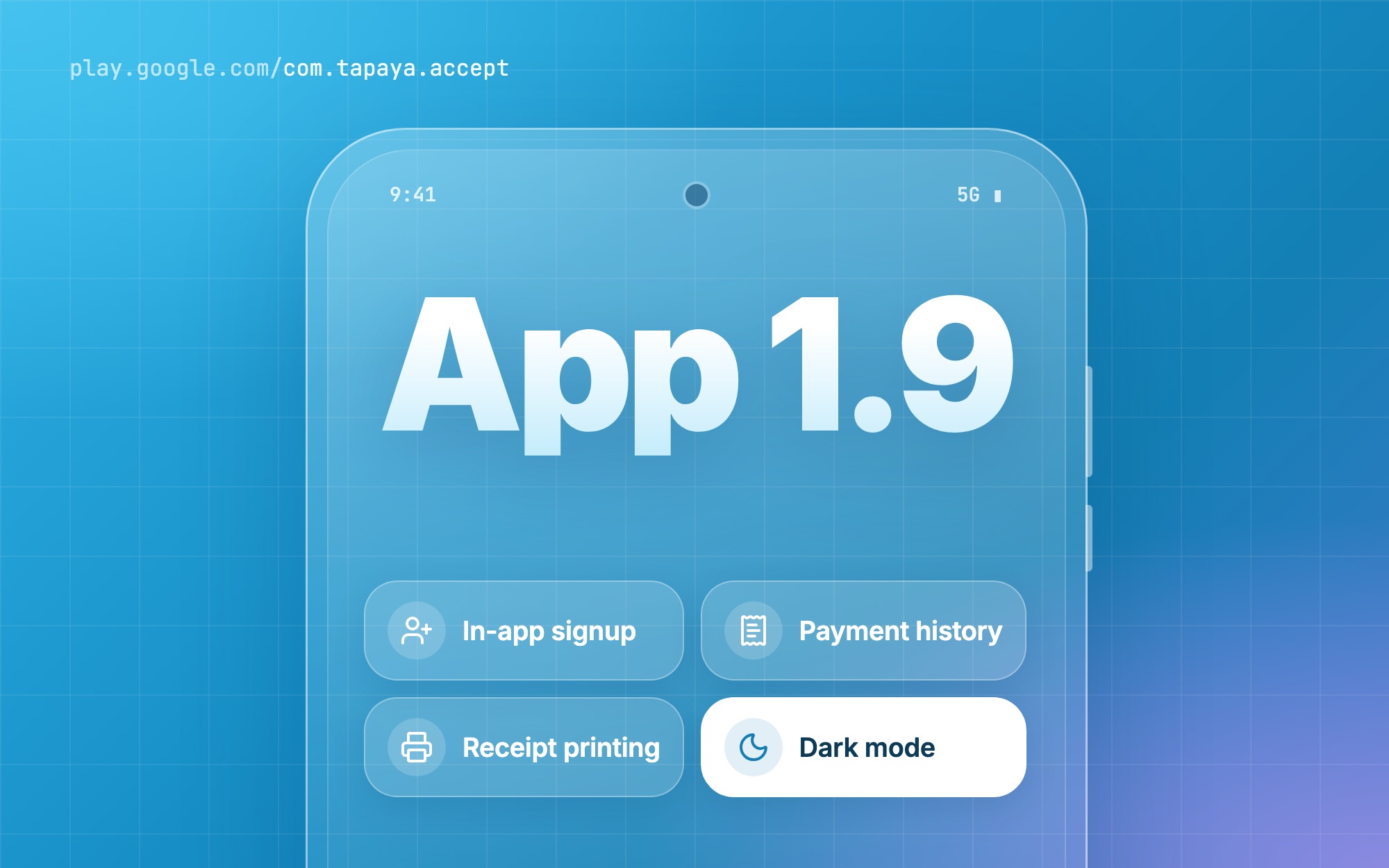
In August we put the first version of Tapaya: Tap to Pay on Google Play. Seven weeks and thirteen updates later, we're at 1.9.0, released on 24 September. Almost every change came from watching you use the app on real counters: market stalls, cafés, delivery rounds, and shops that take payments on an Android POS terminal instead of a phone.
If you're new here: the app turns your Android phone, tablet or POS terminal into a contactless card terminal. It runs on the same infrastructure that partners use to embed payments in their own products through the Accept SDK, so the improvements we introduced here reach their merchants as well.
Here's what's new, followed by the question we hear most: can this replace the terminal I rent today?
Get started without leaving the app
Setting up used to mean a web form first and the app second. Now everything happens in one place, on the device you'll take payments with.
- Sign up in the app (1.7.0). Create your account and set up your business in a few taps.
- Practise first (1.7.0). Start on a practice account and try the whole flow, from typing an amount to sending the receipt, before your business is verified. Once you're approved, switch on card payments and carry on in the same app.
- Sign in your way (1.3.0). Use your email, a QR code or a magic link, then pick the business you want to work in.
- Less typing (1.8.0). If you finish signing up on the web, your registration number comes along with you.
- A quicker setup (1.9.0). Fewer steps between installing the app and your first payment.
Most merchants are verified within 48 hours.
Every payment in one place
1.7.0 brings a full payment list. Tap any payment to see its details and receipt, and share the receipt with your customer in a moment. Refunds start from the same place. And since 1.9.0, the list remembers where you were, so checking a few payments in a row doesn't send you back to the top each time.
Made for POS terminals too
Plenty of you don't take payments on a phone at all. You use an Android POS terminal with a built-in printer, right there on the counter. This month we spent a lot of time on those devices.
- Printed receipts (1.8.0). On terminals with a built-in printer, the receipt finishes printing even if you move on before it's done.
- Terminals without a camera (1.6.1). The app now installs on them, and setup no longer asks for a camera that isn't there.
- Slower terminals (1.6.2). Card taps no longer fail on terminals with slower hardware.
- Terminals with patchy location services (1.7.0). Payments no longer get stuck on devices whose location services don't respond properly.
Easier on the eyes
- Dark mode (1.8.1). The app follows your device's setting, with clearer colors and stronger contrast everywhere.
- Fresh icons and a smoother start (1.9.0). New icons throughout the app and a cleaner splash screen.
- Update reminders (1.9.0). The app lets you know when a new version is ready, so you always have the latest fixes.
Can it replace your old terminal?
For many businesses, yes. The old setup usually looks something like this: a card terminal rented for a monthly fee, a separate contract with the bank that processes the cards, a till that doesn't talk to the terminal so you type every amount twice, and a payout that turns up whenever it turns up.
Here's how the Tapaya app simplifies each part.
- Your hardware. Use a device you already own: an Android phone or tablet with NFC and Android 11 or later, or an Android POS terminal. No card reader to buy, no terminal to rent.
- Your contract. One account, one app. No monthly fee and no minimum term. You pay from 1.39% per transaction.
- Your money. Payouts arrive in two business days, and every payment sits in the app with its receipt. Closing the day takes minutes, not an evening with paper slips.
- Your team. One account works across several devices and staff. Adding a second till is as simple as installing the app on a second device.
- Where it works. Across the whole EU and GB.
There's no need to switch everything at once. Many merchants start small: install the app on one device, try it on the practice account, and run it next to the old terminal for a week. Once you're happy, move your other tills over one at a time and let the rental run out at the end of its term.
The same payments inside partner products
The Tapaya app is built on the same infrastructure as the Accept SDK. Through the Accept SDK, POS, booking and ERP platforms embed the same payment experience in their own products: one integration, a payment step that matches their product, and onboarding, payments and settlement handled by Tapaya underneath. For platforms whose merchants still rely on legacy terminals, this replaces a separate integration with each terminal, on the phones, tablets and POS terminals those merchants already have.
Get the update
Already using Tapaya? Update from Google Play, or simply wait for the app to tell you a new version is ready. New to Tapaya? Download the app, sign up, and take a practice payment in a few minutes. You'll find pricing on the merchants page.
Got an idea for the next release? We'd love to hear it. Most of what shipped since August started as a message from a merchant.